

XPERIA Fog Theme: Stylish Android Customization
Overview
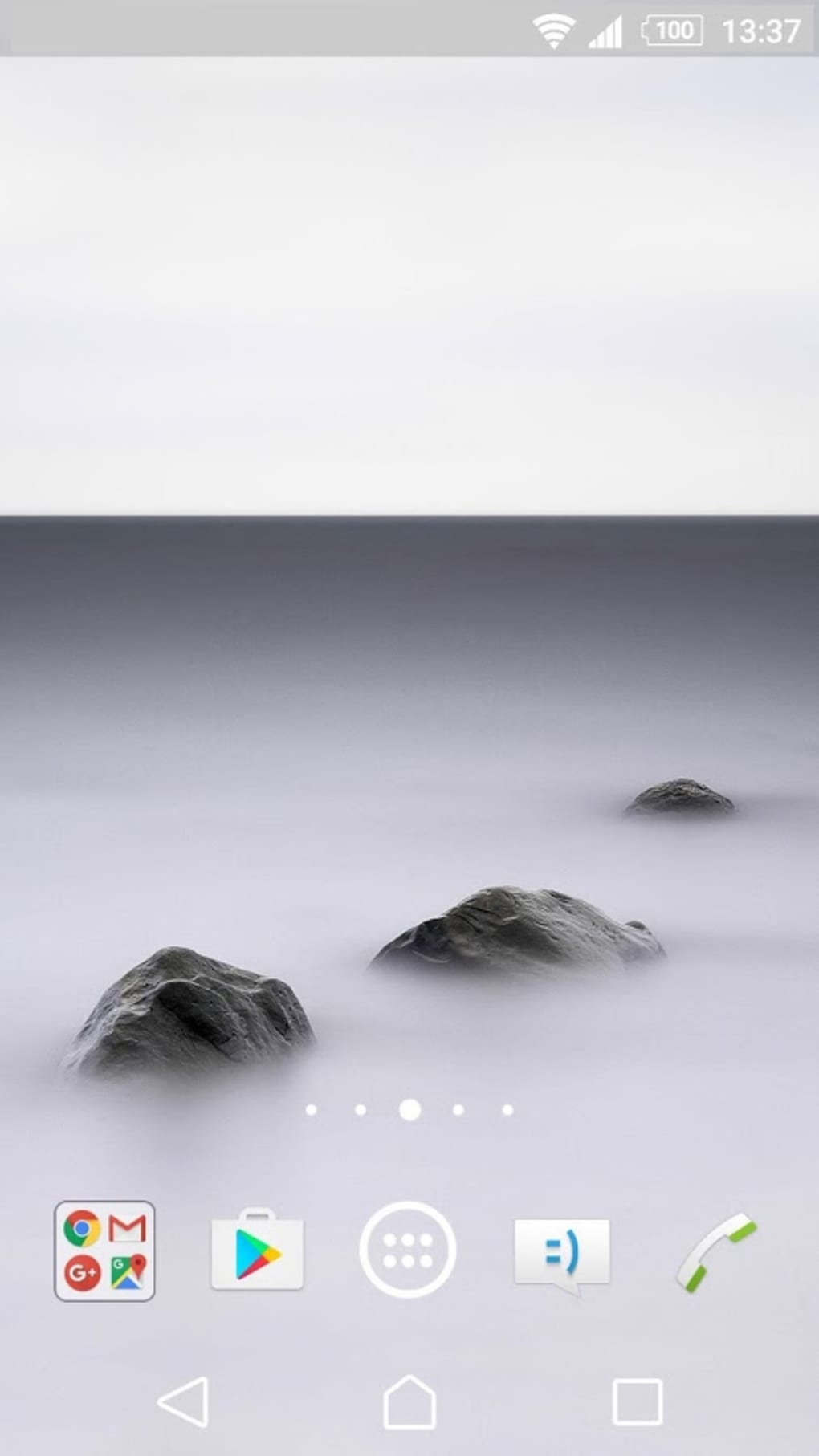
The XPERIA Fog Theme is a visually striking Android customization tool developed by Sony, designed to elevate the user experience through immersive, atmospheric design. Targeted primarily at Android users seeking a fresh, distinctive look for their smartphones, this theme transforms the device’s interface with fog-drenched landscapes from around the world. It appeals to users who value aesthetics, personalization, and a unique visual identity on their mobile devices.
The theme is ideal for individuals who enjoy experimenting with their phone’s appearance and want a dynamic, ever-changing visual environment. Its focus on mood-based design—using fog as a central aesthetic—creates a serene yet mysterious ambiance across the home screen, lock screen, and other interface elements. While the developer did not provide additional system requirements, the theme is confirmed to be compatible with Android 5.0 or higher.
Real-world usage scenarios include daily personalization, social media presentation, and enhancing the overall feel of the smartphone experience. The theme’s ability to offer multiple global locations suggests it’s suitable for users who appreciate travel-inspired visuals and digital artistry.
Key Features & Capabilities
- Atmospheric Fog Visuals – Features high-quality, fog-shrouded landscapes from diverse global locations, offering a unique and immersive visual experience across the device interface.
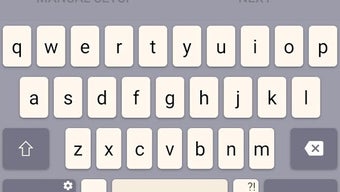
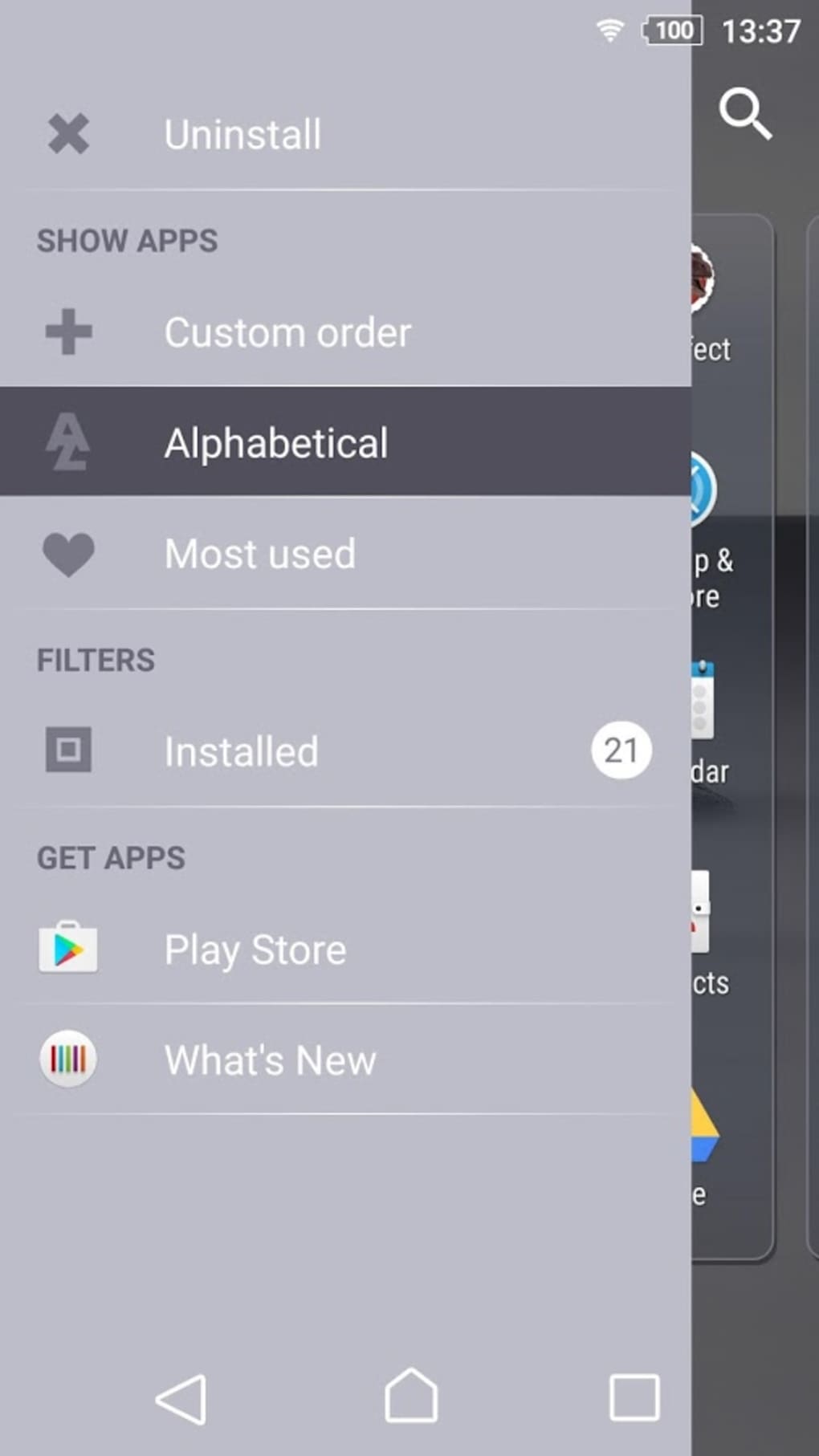
- Full UI Customization – Allows users to customize the home screen, lock screen, and other interface elements to match the theme’s aesthetic, enhancing visual cohesion.
- Multiple Location Selection – Provides access to a wide variety of geographical settings, each rendered in a misty, dreamlike state, enabling frequent visual refreshes.
- Easy Installation – Designed for straightforward setup, allowing even novice users to download and apply the theme without technical difficulty.
- Dynamic Personalization – Supports frequent theme changes, letting users experiment with different moods and visual styles based on preference or occasion.
Each feature is aimed at enhancing the user’s sense of ownership and engagement with their device. For example, switching between fog-covered mountain ranges, coastal towns, and forested valleys can reflect different moods or seasons. The customization extends beyond wallpaper, influencing icons, fonts, and system elements to maintain a consistent theme.
This level of integration ensures a seamless, polished look. The theme’s ease of use makes it accessible to users across skill levels, while its dynamic nature encourages continued interaction. The developer did not specify additional functionality beyond these core capabilities, but the theme’s design philosophy centers on visual storytelling and emotional resonance through atmosphere.
User Interface, Workflow & Performance
The user interface of XPERIA Fog Theme is designed to be intuitive and visually engaging, with a clean layout for browsing available locations and applying selected designs. Navigation within the theme’s management system is straightforward, allowing users to preview and switch between different fog-laden scenes with minimal effort. The workflow emphasizes simplicity: select, preview, apply.
This efficiency supports a frictionless customization experience, especially for users who value speed and ease. The theme integrates directly with the Android system, ensuring that changes are reflected consistently across the home screen, lock screen, and system menus. Performance observations are based on general software behavior patterns, as exact resource usage details were not specified.
However, given its 25.7 MB size, the theme is likely to have a minimal impact on system performance. Stability is expected to be high, as it is developed by Sony and designed for Android 5.0+. The developer did not provide information on CPU or RAM behavior, but such themes typically operate efficiently in the background without noticeable lag.
Compatibility & System Requirements
XPERIA Fog Theme is compatible with Android 5.0 and higher, ensuring broad accessibility across a range of devices. The installation size is 25.7 MB, which is modest and suitable for most smartphones with standard storage capacity. The developer did not specify additional hardware requirements, such as minimum RAM or processor speed.
Compatibility information was partially provided, with no mention of device-specific limitations beyond the OS version. Users with Android versions older than 5.0 will not be able to install or use the theme. It is important to note that the theme is designed exclusively for Android devices and does not support other platforms.
The developer did not clarify whether the theme is available on all Android device models or only select Sony devices. As such, users should verify compatibility with their specific device before installation.
Pros and Cons
Pros
- Visually striking, atmospheric design with global fog landscapes
- Full customization of home and lock screens
- Easy to install and apply, suitable for beginners
- Multiple location options for dynamic personalization
- Developed by Sony, ensuring reliability and integration quality
Cons
- Requires Android 5.0 or higher, limiting use on older devices
- Not available for non-Android platforms
- Theme size may be large for users with limited storage
- Limited functionality beyond visual customization
- Requires a one-time purchase despite being labeled as free (potential confusion)
FAQ Section
Is XPERIA Fog Theme free to use?
Yes, the theme is available at no cost. However, the description mentions a purchase consideration, which may indicate a premium feature or in-app purchase. Users should review the official source for current pricing details.
Which Android versions are supported?
The theme is compatible with Android 5.0 and higher. Devices running older versions will not be able to install or use it.
Can I use this theme on any Android phone?
While the theme is designed for Android, compatibility may vary by device. It is recommended to check your device’s specifications and OS version before downloading.
Does the theme require an internet connection?
Installation and initial setup may require an internet connection. Once applied, the theme functions offline without further connectivity needs.
How often can I change the theme?
Users can switch between the available fog-drenched locations as often as desired, allowing for frequent visual updates and personal experimentation.
Final Thoughts + CTA
XPERIA Fog Theme delivers a compelling blend of artistry and functionality, offering Android users a unique way to personalize their devices with atmospheric, globally inspired visuals. Its strong design focus, ease of use, and Sony’s reputation for quality make it a standout choice for those seeking a distinctive mobile experience. While it lacks advanced utility features, its core purpose—enhancing visual appeal—is executed effectively.
The theme is particularly well-suited for users who value aesthetics, enjoy digital customization, and appreciate subtle, mood-driven design. Despite minor limitations in compatibility and functionality, its strengths far outweigh its drawbacks. For anyone looking to refresh their smartphone’s look with a cool, immersive theme, this is a must-try.
Download XPERIA Fog Theme now.





.png)

